Batches 1-4 are gone. New orders ship in 2-3 weeks. Order now →

Make more of the food you already have.

Trepo keeps track of what's in your kitchen, helps you cook with what you have, and makes it easier to buy only what you need.

your kitchen, finally working together

A kitchen assistant, in the place you actually need it.

It lives where the food lands, so helping is a half-second on the way past - no phone, no unlocking, no typing. Speak to it, hold something up to it, or turn it.

leave your phone in the other room

A finger pressing the button on the Trepo device to speak to it
1

Say it, it's done

  • "Add oat milk, coffee and bread to the list."
  • "Add ice cream to the Target list."
  • "Throw out the ground beef."

Every action in the app also works out loud - adding, removing, checking. Your kitchen stays right without you stopping to type.
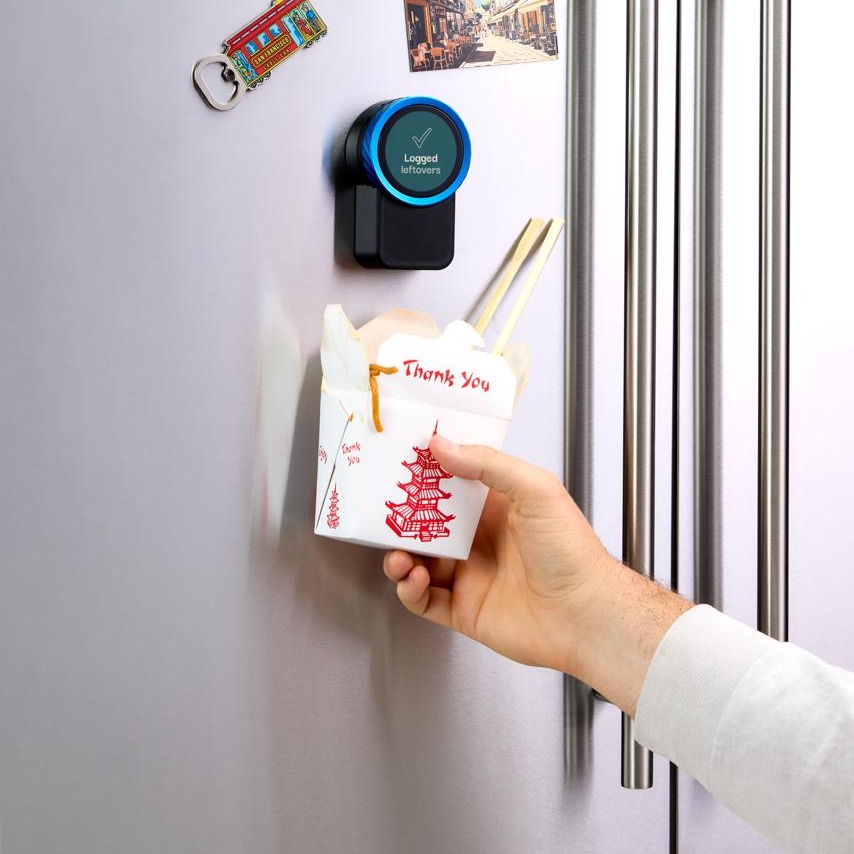
A takeout box held up to the Trepo device on the fridge door, which reads Logged - leftovers
2

Hold it up, it's logged

  • Takeout
  • Home-cooked meals
  • Everything else left over

Checked into your kitchen without ever pulling out your phone. Leftovers get eaten instead of found a week later.

A hand gripping the dial of the Trepo device to turn it
3

Turn it to cook

  • Pick a recipe built from what you already have
  • Send it to the kitchen assistant on the fridge or countertop
  • Turn the dial to step forward, back to go back

The whole recipe, start to finish, without picking a phone up. Nothing to unlock, nothing that times out, wet and floury hands welcome.
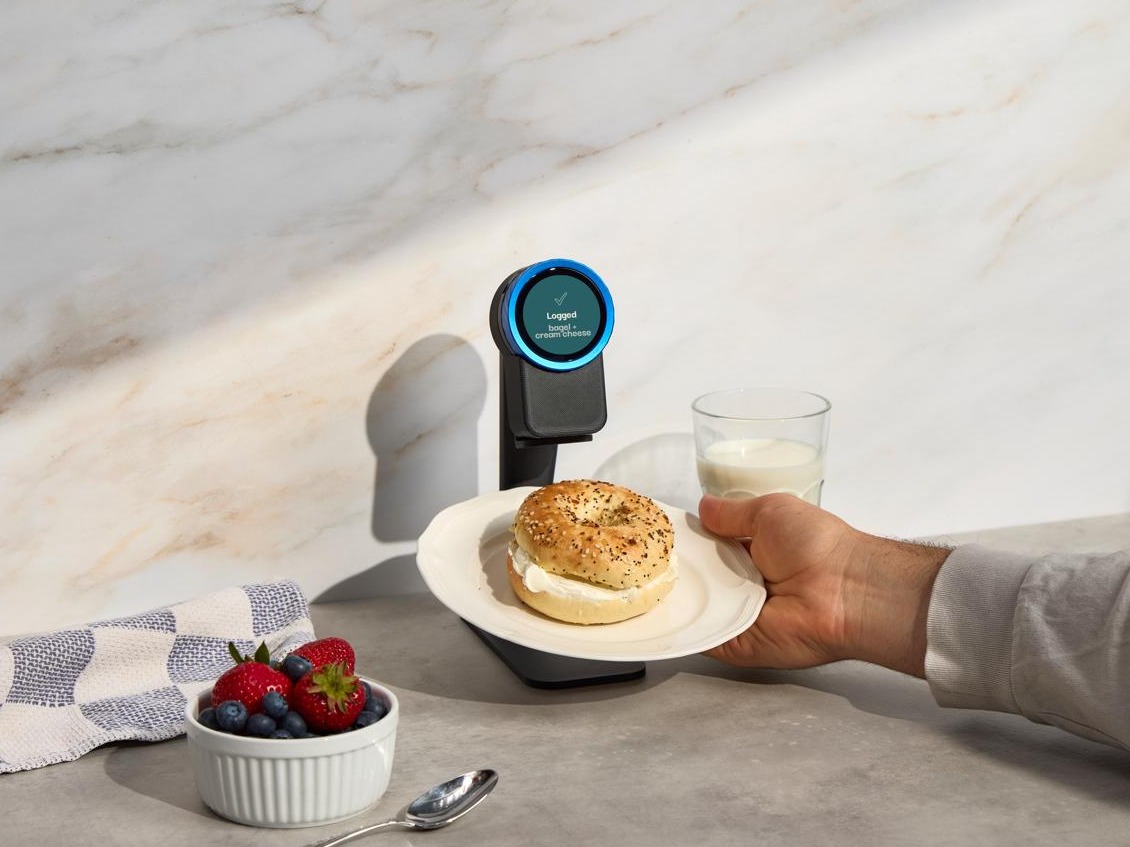
A bagel with cream cheese held up to the Trepo device on its countertop stand, which reads Logged - bagel + cream cheese
4

Know what's in your food

  • Estimated calories
  • Protein
  • Carbs
  • Fat

Hold the food up and it estimates the macros off a real plate, not a barcode. No weighing, no logging app, no guessing at portions.
What you get out of it

That's what you do. Here's what it does for you.

Every time you speak to it, hold something up to it or snap a photo, your kitchen gets a little more accurate. Once it's accurate, four things stop being your problem.

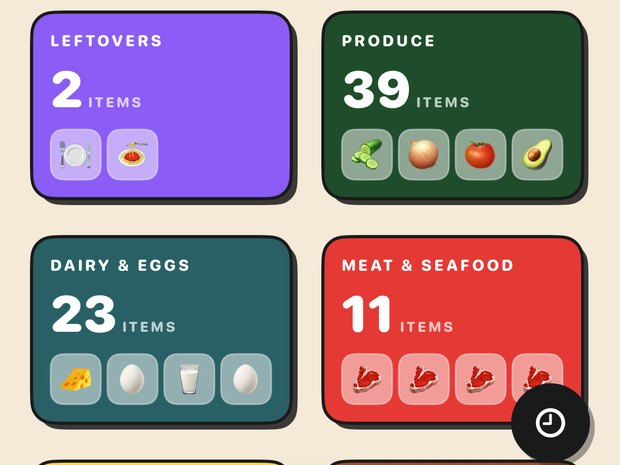
The Trepo kitchen screen, showing counts by category - 2 leftovers, 39 produce, 23 dairy and eggs, 11 meat and seafood
Your kitchen

You always know what's in there

Everything in the house, counted, by category - leftovers, produce, dairy, the back of the pantry you never see.

No more standing in the shop wondering if you already have eggs.
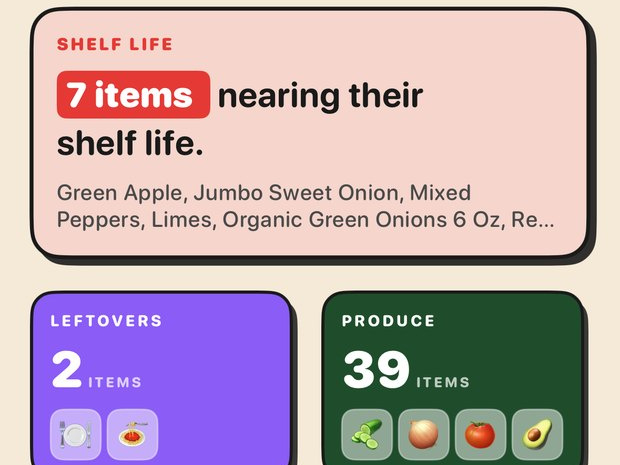
The Trepo kitchen screen warning that 7 items are nearing their shelf life, listing green apple, sweet onion, mixed peppers and limes
Use it first

Nothing dies at the back of the fridge

Trepo tracks how long things have been in and tells you what to eat first, by name, before it turns.

The stuff you'd have thrown out gets eaten instead.
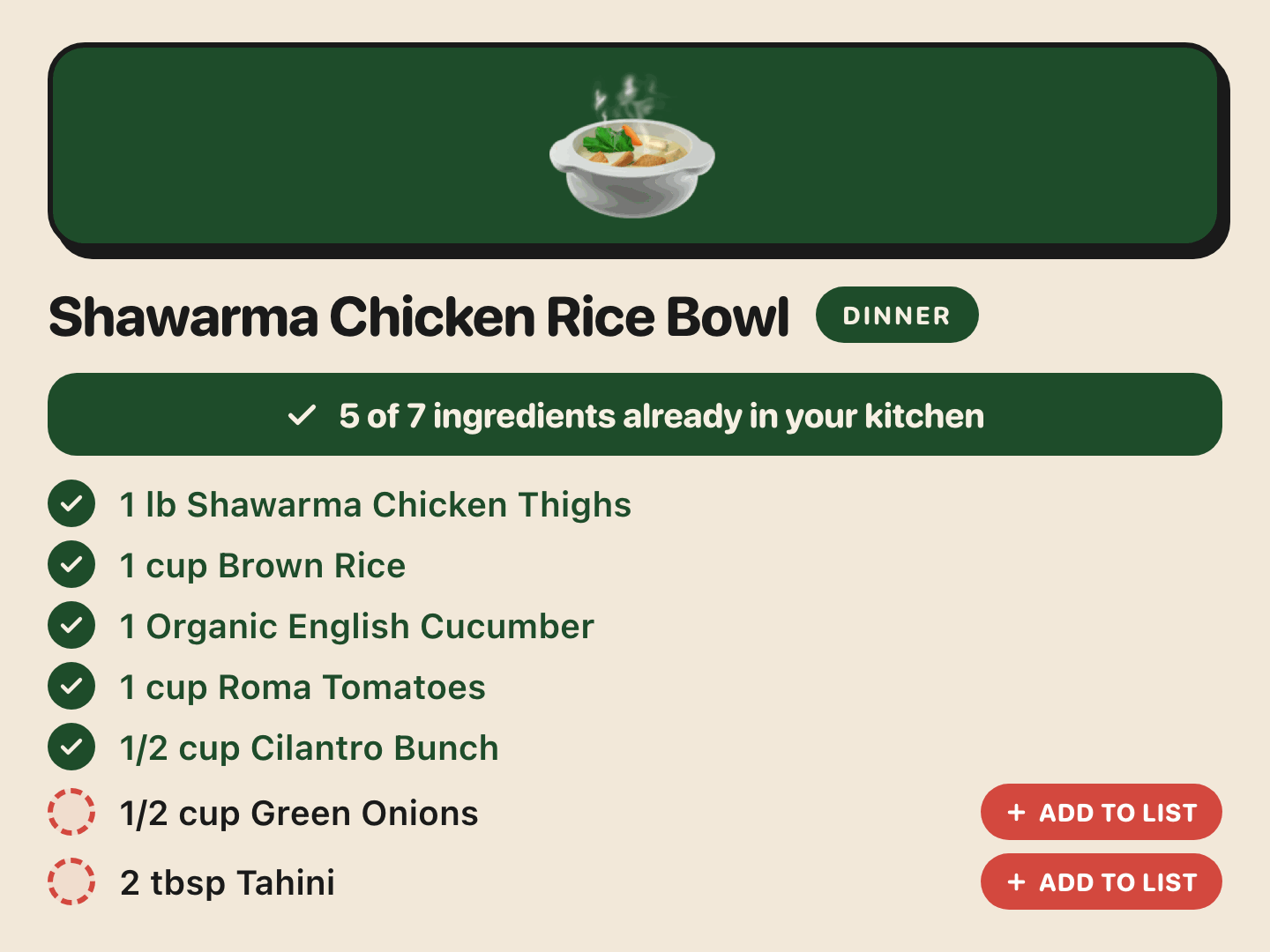
A Trepo recipe for a shawarma chicken rice bowl, showing 5 of 7 ingredients already in your kitchen and an add-to-list button beside the two you are missing
Tonight's dinner

Dinner is already decided

Every recipe - the ones Trepo suggests and the ones you saved off Instagram or TikTok - checked against your kitchen. It ticks off what you have and puts the rest on the list.

Cook tonight without another trip to the store.
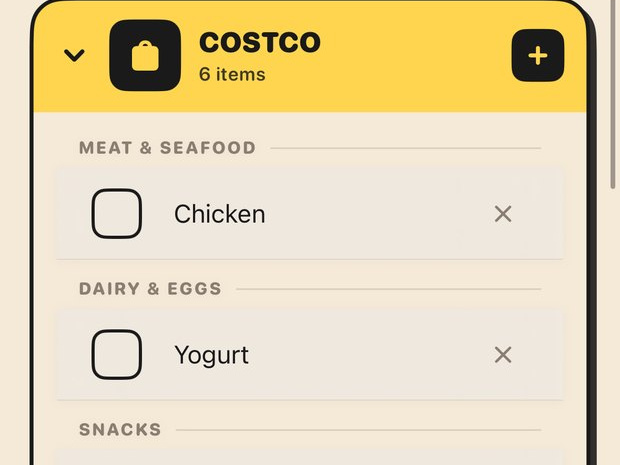
The Trepo shopping list, with a Costco list of 6 items grouped into meat and seafood, dairy and eggs, and snacks
Sorted by store

The shopping list writes itself

Things run out, they land on the list on their own - grouped by aisle, split by the store you actually buy them at.

You never sit down and write a list again.

And when you're not sure - just ask it.

Thyme knows every item in your kitchen, what's running low and what needs eating. Ask it out loud on the device, or type it in the app. It answers about your food, not food in general.

the kitchen finally answers back
Getting started

Take one photo. Your kitchen fills itself in.

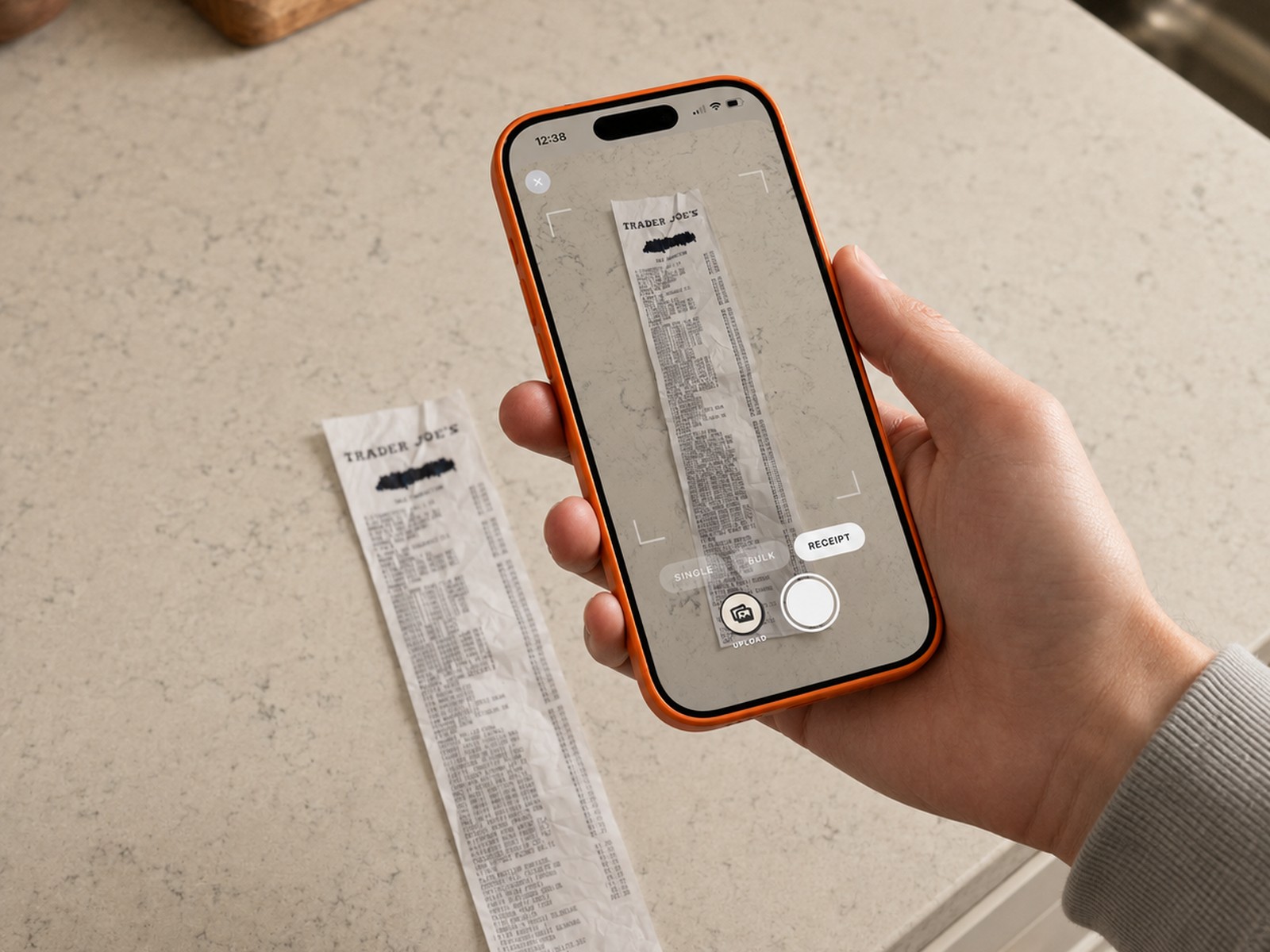
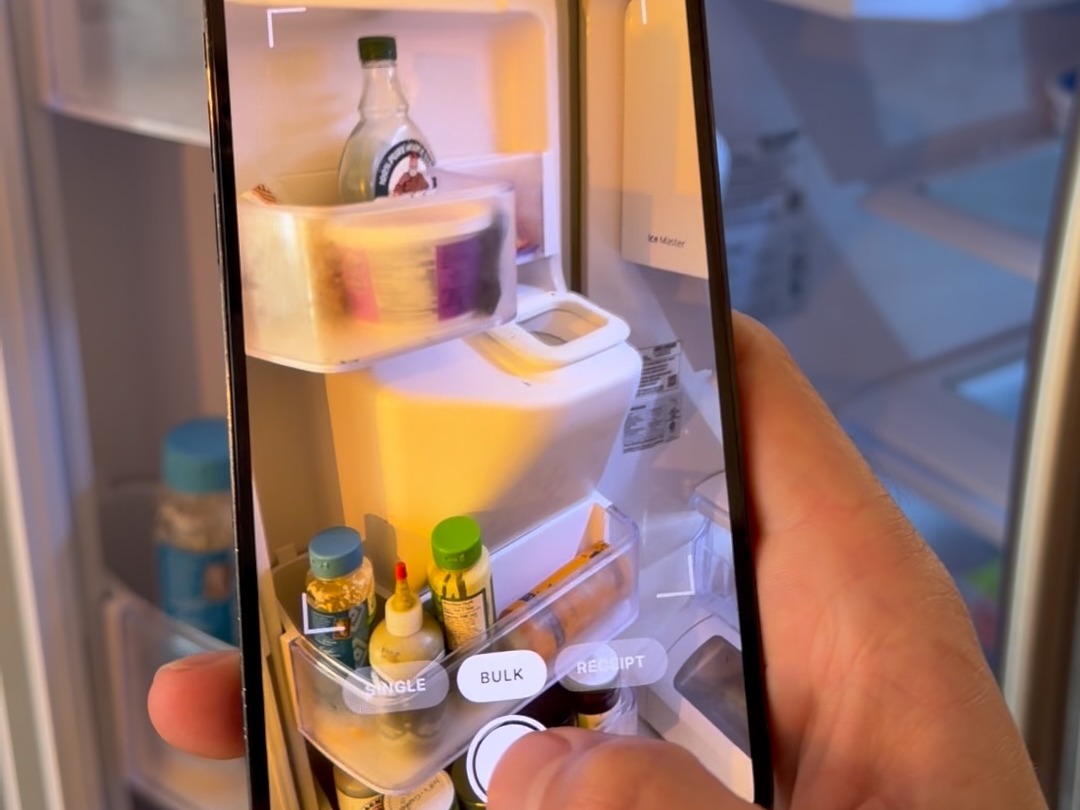
Checking food in is a single picture. Point your phone at your receipt or your shelves - Trepo reads it and stocks your kitchen for you. You never type a grocery list.

  • 1
    Snap your receipt One photo after a shop checks in the whole trip at once - every item, in seconds.
  • 2
    Or snap your fridge Already stocked? Point your phone at the shelves and Trepo reads what's in there.
  • 3
    Then it keeps itself current As you use and discard items they come out of your kitchen and straight onto your grocery list. Food in, food out, list updated - that loop is the whole thing.

Two photos to set up. No typing, ever.

A hand holding a phone over a kitchen worktop, photographing a Trader Joe's receipt inside the Trepo capture frame 1Snap the receipt
A phone held up to an open fridge, the Trepo camera framing the shelves to identify what's inside 2Or snap the fridge
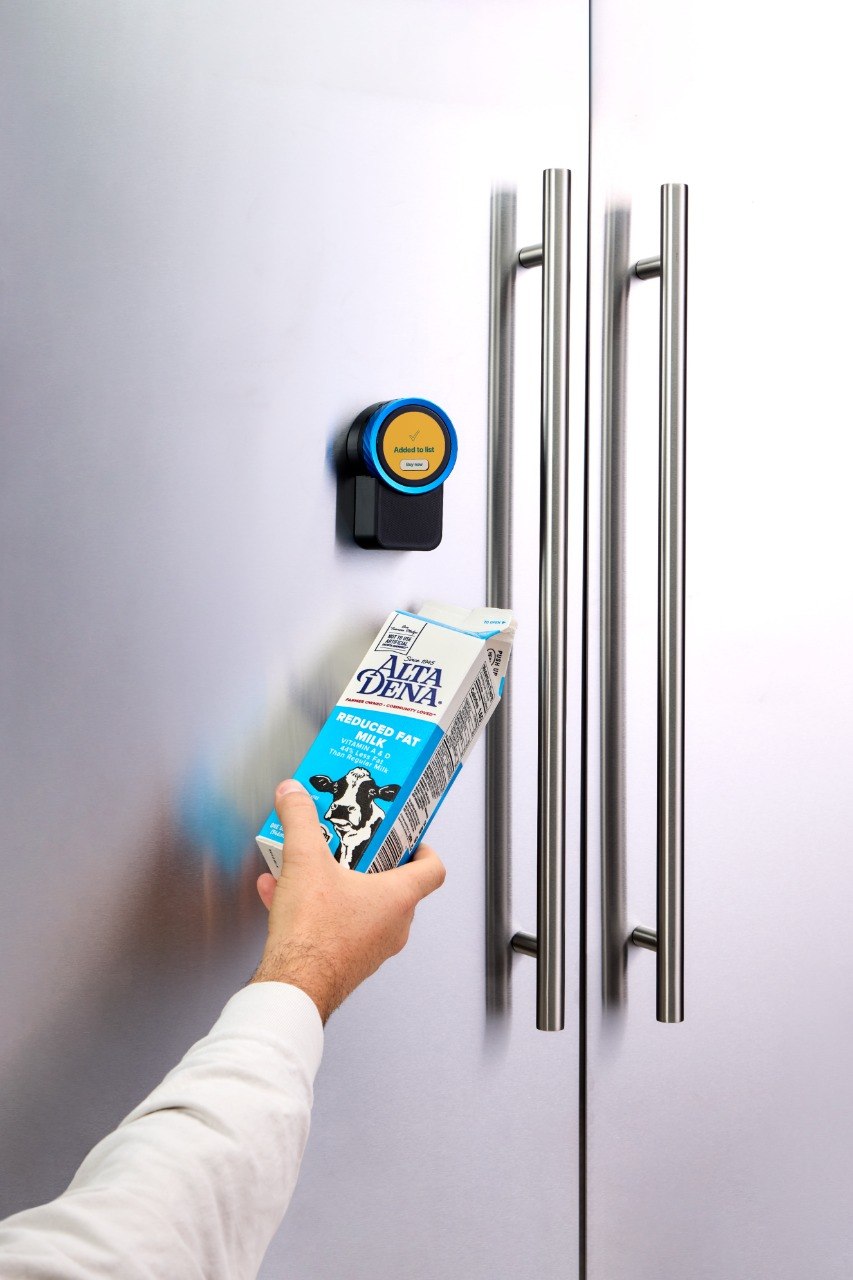
An empty milk carton held up to the Trepo device, which takes it out of the kitchen and adds it to the shopping list 3Out of the kitchen, onto the list
Questions

FAQ

How does food get into Trepo?
A photo. Snap your receipt after a shop and the whole trip goes in at once, or photograph the inside of your fridge to get started with what you already own. After that, quick updates from your phone - or by voice, if you have the device.
Where does the device go in my kitchen?
On the fridge door, using the magnetic mount. If your fridge is panelled or you would rather it sat by the hob, there is a countertop stand in the box. It runs on USB-C and stays on.
Can the whole household use it?
Yes. One device, one kitchen, one grocery list, live on everyone's phone. When someone checks an item off in the store, it disappears for everyone else.
When would mine ship?
Batches 1 through 4 are sold out. Orders placed now are estimated to ship in two to three weeks, and you will get a tracking email when yours goes out. Free shipping, 30-day returns, one-year warranty.

Still have questions?

Let us know. Type it below and it comes straight to us - we reply by email.

Free shipping 30-day returns 1-year warranty Works for the whole household